
What Is IPTV and How Does It Work?
Understand Internet Protocol Television, how IPTV delivers content, how it compares with traditional television, which devices support it, and what to know before choosing a service.
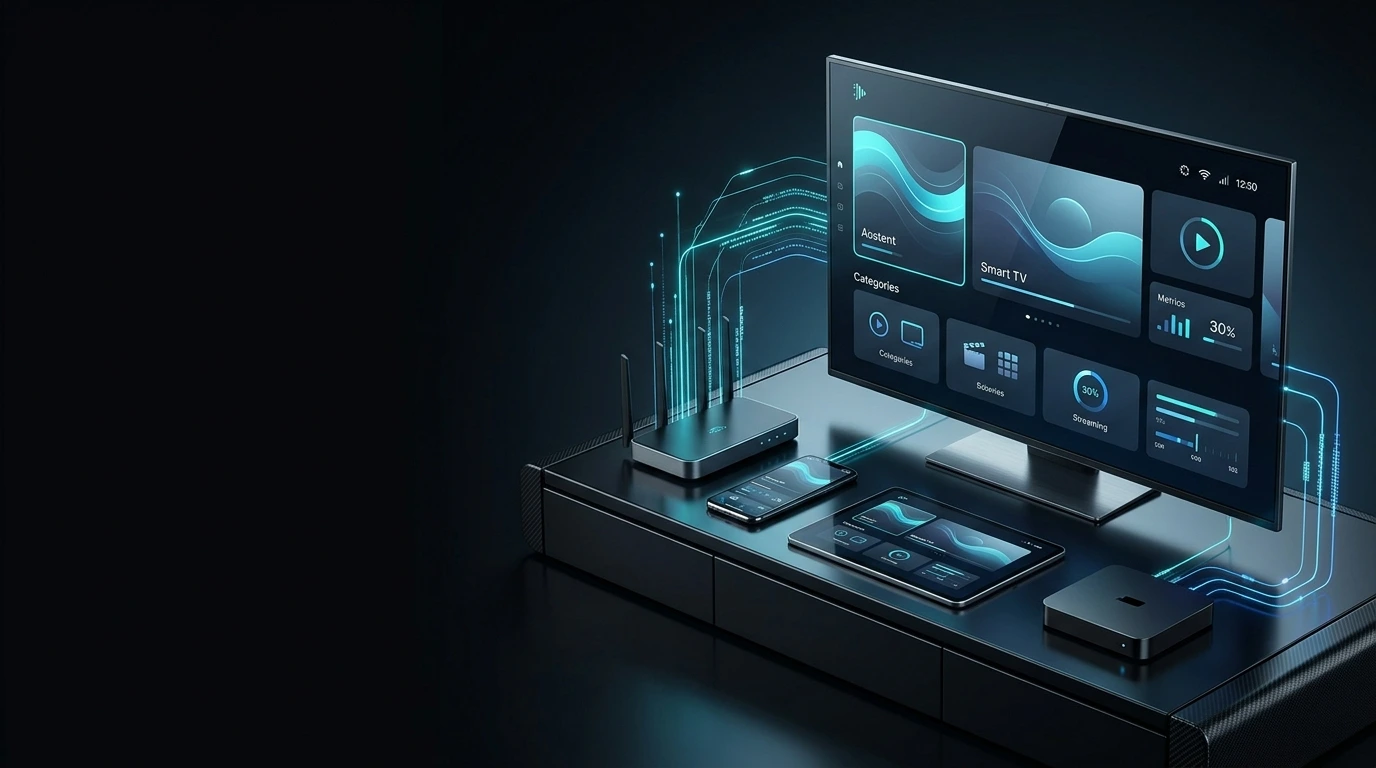
IPTV stands for Internet Protocol Television. It is a method of delivering television and video programming over IP-based networks instead of relying exclusively on traditional cable, satellite, or terrestrial broadcast delivery.
What Does IPTV Mean?
IPTV is one of the technologies used to deliver television and video programming through internet-based and other IP networks.
Traditional television commonly relies on cable, satellite, or terrestrial broadcasting infrastructure. IPTV uses Internet Protocol technology to transport video data through a network to a compatible receiver.
Depending on the platform, an IPTV service may offer live channels, on-demand programs, catch-up viewing, and other television-style functionality.
Broadcast-Based Delivery
Programming is distributed through cable, satellite, or terrestrial transmission infrastructure to compatible receiving equipment.
IP-Based Delivery
Video is transmitted as data across an IP network and processed by a compatible application or receiving device.
IPTV is a delivery technology. The features, available programming, compatibility, and content rights depend on the individual service.
How Does IPTV Work?
An IPTV system typically involves content preparation, network delivery, a compatible device, and video playback.
Content Preparation
Video content is encoded and prepared for distribution across a digital network.
Network Delivery
The prepared video is transmitted through an internet or managed IP network.
Device Reception
A compatible television, streaming box, smartphone, tablet, or computer receives the data.
Video Playback
An application or player decodes the stream and displays it on the screen.
The precise architecture varies between IPTV platforms. Some services use managed networks, while others deliver streams over the public internet. The basic principle remains IP-based video delivery.
IPTV vs Traditional TV
The main difference is how video travels from the provider to the viewer.
| Technology | Delivery Method | Typical Receiving Equipment |
|---|---|---|
| Cable TV | Physical cable distribution network | Compatible TV or cable receiver |
| Satellite TV | Satellite transmission | Dish and compatible receiver |
| Terrestrial TV | Radio-frequency broadcasting | Antenna and compatible receiver |
| IPTV | IP-based network | Compatible device, player, or receiver |
Is IPTV the Same as Streaming?
Streaming is a broad method of delivering audio or video so playback can begin without waiting for the entire file to download.
IPTV is more specifically associated with television and video services delivered through IP-based networks. The technologies overlap, but the terms are not always interchangeable.
A Broad Delivery Method
Streaming includes many types of internet audio and video, from live broadcasts to on-demand entertainment.
Television Over IP Networks
IPTV focuses on delivering television-style programming and related video services through Internet Protocol technology.
What Types of IPTV Content Exist?
Features and programming differ by provider. Not every IPTV service includes every content type described below.
Live Television
Programming delivered for viewing as it is broadcast or distributed through the service.
Video on Demand (VOD)
Available movies or programs that viewers can select and watch at a chosen time.
Catch-Up & Replay
Some platforms allow viewers to revisit previously broadcast programming for a limited period.
Series & Entertainment
Depending on the service, television series and other entertainment content may be available.
What Do You Need for IPTV?
Most internet-delivered IPTV setups require a suitable connection, compatible equipment, and access to an appropriate service.
A Suitable Internet Connection
Your network must be capable of delivering the required video bitrate. Resolution, compression, household usage, and connection stability all matter.
A Compatible Device
This may be a Smart TV, Android TV, smartphone, tablet, computer, or supported streaming device.
An IPTV Service or Player
Depending on the platform, access may be provided through a dedicated application or a compatible third-party IPTV player.
Confirm that your preferred device and operating system are supported, and review the setup requirements. Explore the Strong8K Apps & Devices guide for more information.
Which Devices Can Use IPTV?
Device support depends on the IPTV service, operating system, and available applications.
Smart TVs
Compatible Smart TVs may run supported IPTV applications directly on the television.
Smart TV Guide →Android TV
Android TV platforms can run compatible streaming and IPTV player applications.
Android TV Guide →Fire TV Stick
Supported streaming applications can be used on compatible Fire TV devices.
Firestick Guide →Mobile Devices
Some services support Android and iOS phones or tablets through compatible apps.
Mobile Guide →Computers
Depending on the platform, desktop and laptop computers may support compatible players.
Apps & Devices →Streaming Hardware
Streaming boxes and other supported hardware can provide IPTV playback capabilities.
Compare Devices →What Is an IPTV App?
An IPTV app is software that allows a compatible device to access and play IPTV streams. Depending on the application, it may provide channel navigation, playlists, video-on-demand browsing, program guides, and playback settings.
An IPTV player does not necessarily supply the content itself. Some players provide playback software while access to programming comes from a separate service.
What Internet Speed Is Needed for IPTV?
Bandwidth requirements depend on video resolution, bitrate, encoding, and simultaneous household usage.
5–10 Mbps
A practical starting range for one HD stream, depending on encoding and network conditions.
15–25+ Mbps
Higher-quality video can require additional bandwidth, with requirements varying by stream.
Extra Bandwidth
Simultaneous streams and other internet activities increase total household demand.
No single speed requirement applies to every IPTV service. For detailed guidance, see our Internet Speed for IPTV article.
Why Does IPTV Sometimes Buffer?
Buffering happens when a device cannot receive or process video data quickly enough for continuous playback.
Unstable Connection
Fluctuating throughput or connection interruptions can affect playback.
Weak Wi-Fi
Distance, walls and interference can weaken the wireless connection.
Network Congestion
Downloads, gaming and other streaming activity can compete for bandwidth.
Device Limitations
Older hardware may struggle with demanding applications or video formats.
Application Problems
Outdated apps or incorrect playback settings can cause interruptions.
Service-Side Conditions
Content sources, service capacity and internet routing can affect streaming.
Is IPTV Legal?
IPTV is a technology. Whether a particular service operates legally depends on its content rights and applicable laws.
IPTV itself is a legitimate way of delivering television and video over IP networks. However, using IPTV technology does not automatically mean that a service is authorized to distribute every channel, movie, or program it offers.
The legality of a particular service depends on factors including licensing arrangements, distribution permissions, content rights, and the laws of the relevant jurisdiction.
Choose services that have appropriate authorization to distribute their content. Technical compatibility and content licensing are separate considerations.
How to Choose an IPTV Service
Evaluate compatibility, subscriptions, setup requirements and support before selecting a service.
Check Device Compatibility
Confirm support for your preferred Smart TV, Android TV, mobile device, computer or streaming hardware.
Compare Subscription Options
Review available subscription periods and select an option that matches your requirements.
Understand the Setup Process
Look for clear instructions for activating and configuring the service on your device.
Review Support Resources
Check whether the provider offers useful documentation and assistance with common technical problems.
Evaluate Claims Carefully
Avoid assuming that any provider can guarantee uninterrupted playback or universal device compatibility.
IPTV for Resellers
IPTV technology can also be used within authorized distribution and reseller programs.
IPTV reseller arrangements generally involve a business or individual working with a provider or platform to distribute subscriptions or services to customers.
Program requirements, technical responsibilities, pricing structures and content distribution permissions can vary between providers.
If you are interested in streaming-related business opportunities, visit the Strong8K Reseller Program page for information about the program and its requirements.
The Future of Internet-Based TV
Connected devices and modern networking are changing how viewers access video entertainment.
Television viewing has become increasingly flexible. Smart TVs, mobile devices, streaming hardware and connected platforms allow people to access compatible digital content across different screens.
IPTV is part of this broader development in internet-based television and video delivery. As network infrastructure and device technology evolve, IP-based content distribution will continue to play a role in digital entertainment.
Explore More IPTV Guides
Learn about streaming devices, setup, internet requirements, and troubleshooting.
Frequently Asked Questions About IPTV
Straightforward answers to common questions about IPTV technology and getting started.
What does IPTV stand for?
IPTV stands for Internet Protocol Television. It refers to delivering television or video programming through an IP-based network.
Do I need a Smart TV for IPTV?
No. Depending on the service, IPTV may work with Smart TVs, Android TV devices, smartphones, tablets, computers, or compatible streaming hardware.
Does IPTV require the internet?
Internet-delivered IPTV generally requires a suitable internet connection. IPTV can also operate over managed IP networks, depending on the delivery architecture.
Is IPTV the same as Netflix?
Not exactly. Netflix is a specific streaming service, while IPTV describes a method of delivering television or video through IP-based networks.
Can I watch IPTV on my phone?
Some IPTV services and applications support mobile devices. Compatibility depends on the service, application, and operating system.
Why does IPTV buffer?
Buffering may result from network instability, weak Wi-Fi, congestion, device limitations, application issues or service-side conditions.
Is every IPTV service legal?
No. IPTV is a technology, while individual services have different licensing and content-rights arrangements. Consumers should choose appropriately authorized services.
How do I get started with Strong8K?
Review the available Strong8K subscription plans, confirm your device is compatible, and follow the setup instructions for your chosen platform.
Ready to Explore IPTV Streaming?
Compare Strong8K subscription options, explore supported devices, and review the setup resources available for your preferred platform.