
Best Devices for IPTV in 2026: Which Should You Choose?
Compare Smart TVs, Android TV devices, streaming boxes, streaming sticks, smartphones and tablets. Find the right IPTV device for your viewing habits, existing television, app compatibility and preferred setup.
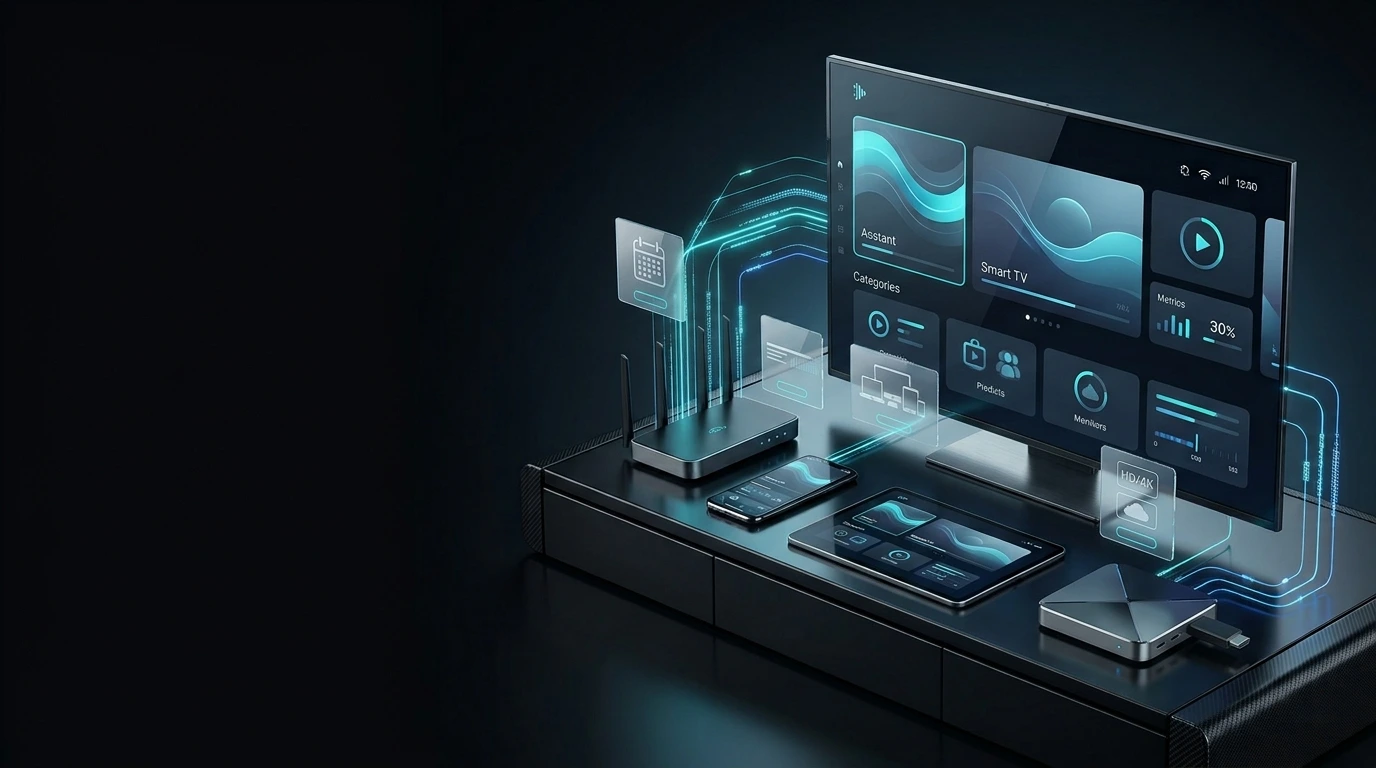
The best IPTV device depends on your needs. A compatible Smart TV can be the simplest choice if you already own one. Android TV devices and streaming boxes offer a separate streaming environment. Streaming sticks suit compact installations, while phones and tablets are useful for portable viewing. Always verify app compatibility first.
What Makes a Good Device for IPTV?
A suitable IPTV device needs more than a screen and an internet connection. It should support a compatible player and provide enough performance for your intended viewing experience.
There is no single device type that is automatically right for everyone. Before buying new hardware, check whether your existing Smart TV or streaming device can already run a suitable IPTV application. You may not need to purchase anything additional.
App Compatibility
Verify that your intended IPTV player is available for the operating system and device version.
Hardware Capability
Consider device responsiveness, available memory, storage and video playback capabilities.
Internet Connectivity
Check wireless signal quality, supported Wi-Fi options and whether Ethernet is available.
Remote and Interface
Choose controls and an interface that are comfortable for everyday television viewing.
Software Support
Consider ongoing operating-system support, security updates and application availability.
Home or Portable
A living-room television and a portable phone serve different viewing needs.
Confirm the exact model and operating system, not just the brand name. Two devices from the same manufacturer may have different app availability and features.
Best IPTV Device Types: Quick Comparison
Compare the practical advantages and considerations of six major device categories.
| Device Type | Good Fit For | Main Advantage | Check Before Choosing |
|---|---|---|---|
| Smart TV | Living-room viewing | No separate streaming hardware required | TV operating system and app availability |
| Android TV Device | Flexible TV-based setup | Separate Android TV app environment | Device version and app compatibility |
| Streaming Box | Dedicated external setup | Independent streaming hardware | Operating system, ports and apps |
| Streaming Stick | Compact television setup | Small external form factor | Storage, Wi-Fi and application support |
| Smartphone | Portable viewing | Convenient and easy to carry | Screen size, mobile data and app support |
| Tablet | Portable viewing on a larger screen | More screen space than a phone | App compatibility and battery life |
These categories describe typical use cases, not guaranteed performance rankings. Actual experience depends on the device model, application, network and stream.
Smart TVs: Simple Living-Room Streaming
A compatible Smart TV can provide an IPTV viewing experience without adding another device to your entertainment setup.
Best for an Existing Compatible Television
Smart TVs combine the display and operating system in one device. If an appropriate IPTV application is available for your TV, you may be able to use the equipment you already own.
- No separate streaming box required
- Convenient television remote control
- Suitable for a permanent home setup
- App availability varies by TV platform
- Older models may have software limitations
Samsung, LG and other Smart TVs do not all use the same operating system. Check the specific model's available IPTV applications before selecting a player.
Android TV Devices: Flexible Streaming Options
Android TV and Google TV devices can offer a separate app-based streaming environment for compatible televisions.
Best for Flexible TV-Based Viewing
Android TV hardware can be useful when you want a separate streaming platform rather than relying entirely on your television's built-in applications.
- Dedicated TV-oriented operating system
- Access to compatible player applications
- Useful for upgrading some existing TVs
- Device capabilities vary by manufacturer
- Verify app support before buying
Android TV, Google TV and regular Android devices can differ in app availability, interface design and remote compatibility. Check the platform used by the exact device.
Streaming Boxes vs Streaming Sticks
Both connect to a compatible display and provide an external streaming environment. Their differences are primarily form factor, hardware, connectivity and software.
Streaming Boxes
Streaming boxes are external devices that connect to a television. Depending on the model, they may provide additional ports, storage or networking options. They are worth considering for a more permanent entertainment setup.
Streaming Hardware Guide →Streaming Sticks
Streaming sticks are designed to be compact and convenient. They can be a practical option when you want to add streaming capabilities to a compatible television without a larger external box.
Firestick Setup Guide →| Consideration | Streaming Box | Streaming Stick |
|---|---|---|
| Physical size | Separate external unit | Usually compact |
| Connectivity | Varies; some have additional ports | Varies; often fewer physical ports |
| Portability | Depends on size and accessories | Convenient compact form factor |
| Performance | Depends on exact hardware | Depends on exact hardware |
| App support | Depends on operating system | Depends on operating system |
If you're setting up a compatible Amazon Fire TV device, follow our Firestick IPTV setup guide for platform-specific instructions.
Smartphones and Tablets: Portable IPTV Viewing
Phones and tablets can be suitable when you want to watch away from your main television or move between rooms.
Best for Viewing on the Go
Smartphones offer convenient access to compatible streaming applications. They are easy to carry, although smaller screens may not be ideal for extended viewing.
Mobile Setup Guide →Best for Portable Larger-Screen Viewing
Tablets offer more viewing space than most phones while remaining portable. Check the operating system, application support, battery life and connection.
Phone & Tablet Guide →Streaming can consume significant data, particularly at higher video quality. Check your mobile plan and connection conditions when watching without Wi-Fi.
Which IPTV Device Should You Choose?
Start with your viewing situation, then confirm that the exact device supports your intended IPTV player.
Start with compatible equipment you already own. If it cannot run the player you need or performs poorly, compare external devices based on compatibility, networking, usability and long-term support.
Check IPTV App Compatibility Before Buying
Hardware selection and IPTV player selection should go together. An otherwise capable device may not support your preferred app.
IPTV Smarters Pro
Review supported versions and configuration methods for your device platform.
Smarters Setup Guide →TiviMate
Check whether your device and operating system support the appropriate TiviMate application.
TiviMate Setup Guide →Other IPTV Apps
Compare supported streaming platforms and find setup instructions for your device.
Apps & Devices →Application availability may change by platform, country, store, device version or developer support. Verify compatibility using the current information for your exact model.
Final IPTV Device Buying Checklist
Use these checks to avoid purchasing hardware that does not suit your setup.
A better device cannot automatically fix weak Wi-Fi or an unstable internet connection. If you already experience freezing or interruptions, see our IPTV Buffering Troubleshooting Guide .
Device Setup Guides
After choosing your device, follow the corresponding setup instructions.
Android TV IPTV Setup
Explore configuration for compatible Android TV devices.
Read Guide →Firestick IPTV Setup
Follow instructions for compatible Amazon Fire TV hardware.
Read Guide →Streaming Device Guide
Learn about external television streaming hardware.
Read Guide →Best Devices for IPTV FAQs
Answers to common questions about choosing compatible IPTV hardware.
What is the best device for IPTV in 2026?
The best device depends on your needs. A compatible Smart TV can be convenient for home viewing, Android TV devices and streaming boxes provide external streaming environments, and mobile devices suit portable viewing. Check app compatibility before choosing.
Is a Smart TV good for IPTV?
Yes, if your Smart TV supports an appropriate IPTV player. Compatibility varies by television operating system and model.
Is Android TV good for IPTV?
Android TV can be a practical option because it provides a television-focused application environment. Verify that the exact device supports your preferred IPTV application.
Is Firestick a good device for IPTV?
A compatible Fire TV Stick can be useful for a compact external setup. Check player compatibility, storage, network conditions and the specific model before choosing.
What is the difference between a streaming box and a streaming stick?
Streaming boxes are separate external units that may offer additional ports or hardware features. Streaming sticks are generally smaller and more compact. Performance depends on the exact model.
Do I need a streaming box if I have a Smart TV?
Not necessarily. If your Smart TV supports a suitable player and performs reliably, additional hardware may not be required.
Can I watch IPTV on my smartphone?
Yes, compatible smartphones can run appropriate IPTV applications. Check your operating system, connection and mobile data usage.
Are tablets suitable for IPTV?
Tablets can provide convenient portable viewing with a larger screen than most smartphones. Check application support, battery life and internet stability.
Do all IPTV apps work on every device?
No. App support varies by operating system, device model, software version and application developer. Confirm compatibility before purchasing hardware.
Does a more expensive IPTV device prevent buffering?
Not automatically. Better hardware may improve device responsiveness, but buffering can also result from weak Wi-Fi, network congestion, unstable internet or stream-related issues.
How do I choose an IPTV device for Strong8K?
Start with your viewing preferences and existing equipment. Confirm that your intended player works with the exact device, then follow the relevant Strong8K apps and devices guide for setup information.
Found Your Ideal IPTV Device?
Explore Strong8K setup guides for compatible Smart TVs, streaming devices, phones and tablets. If you need help choosing a suitable player or configuring your device, contact our support team.