
How Much Internet Speed Do You Need for IPTV Streaming?
Discover practical internet speed requirements for HD and 4K IPTV, learn why buffering happens even on fast connections, and find out how to improve your home streaming network.
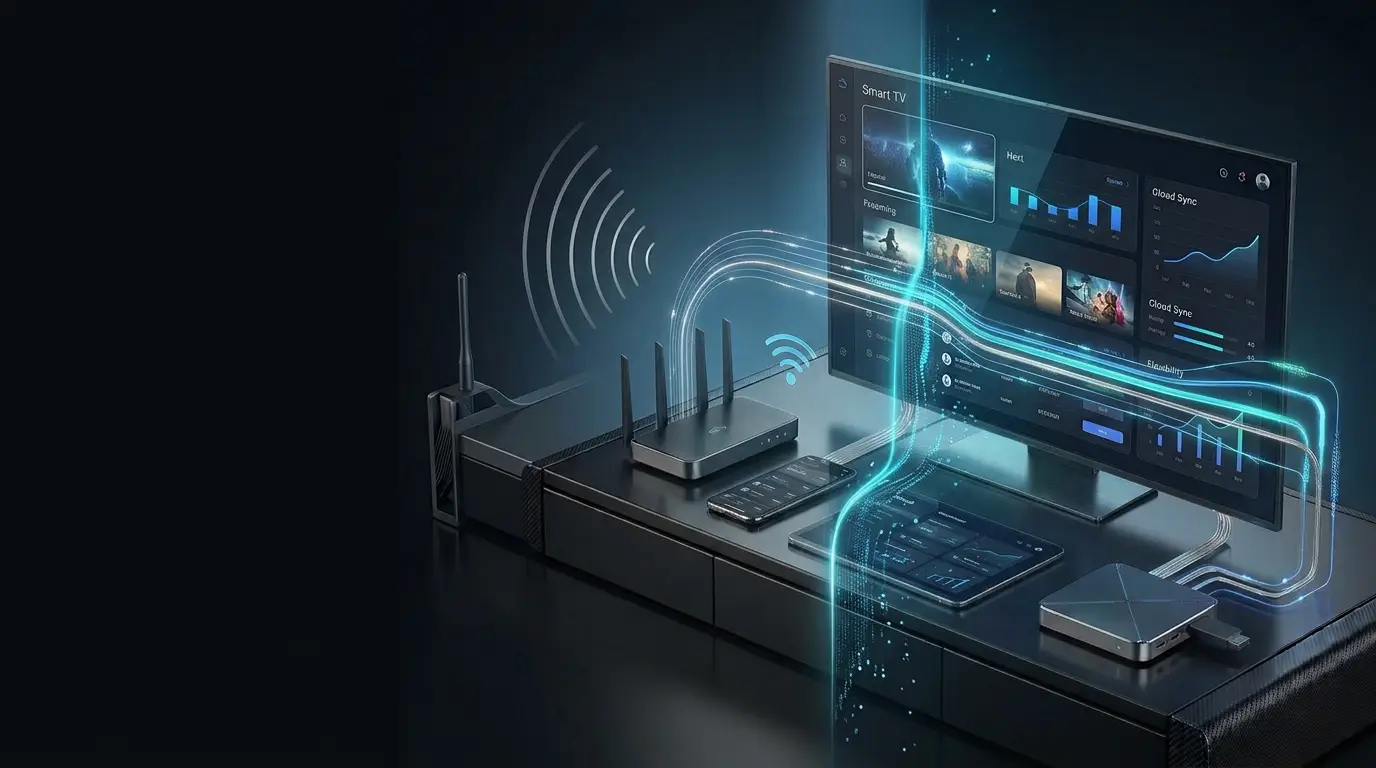
As a general starting point, one HD IPTV stream may need approximately 5–10 Mbps, while one 4K stream may need 15–25+ Mbps. Actual requirements vary by video encoding, streaming service and network conditions. Additional devices require extra bandwidth.
Why Internet Speed Matters for IPTV Streaming
IPTV delivers television and video content over an internet connection. Your network needs enough available bandwidth to receive the stream continuously.
A stable internet connection is one of the most important parts of a smooth IPTV experience. However, high download speed alone does not guarantee uninterrupted playback.
Actual streaming performance also depends on Wi-Fi quality, network congestion, latency, router performance, device capability, video compression and the number of devices using the same internet connection.
Download Speed
Your connection must provide enough bandwidth to receive the video stream.
Connection Stability
Frequent interruptions and fluctuations can affect playback even when average speeds look sufficient.
Network Demand
Downloads, gaming, video calls and additional streams all compete for available network capacity.
A connection that consistently provides enough bandwidth can deliver a better streaming experience than a faster connection that frequently becomes unstable or congested.
How Much Internet Speed Do You Actually Need?
Internet requirements vary by stream quality, compression, service configuration and the number of simultaneous viewers.
HD IPTV Streaming
A practical starting range for one HD stream under suitable network conditions. The actual requirement depends on the stream and encoding method.
4K IPTV Streaming
Higher-resolution video can require more bandwidth. Additional headroom is useful when other devices are active on your network.
Multiple IPTV Streams
Simultaneous streams increase total bandwidth demand. Plan for each active stream and normal household usage.
There is no universal speed requirement for every IPTV stream. Always consider the actual bitrate and specifications of the service you use.
IPTV Internet Speed Requirements Chart
Use this table to estimate the bandwidth needed for different streaming situations.
| Streaming Situation | Practical Starting Point | Important Considerations |
|---|---|---|
| One HD stream | 5–10 Mbps | Leave capacity for background internet activity. |
| One 4K stream | 15–25+ Mbps | Video compression and bitrate can change requirements. |
| Two HD streams | 10–20+ Mbps | Additional headroom helps accommodate other devices. |
| Two 4K streams | 30–50+ Mbps | Estimate the combined bitrate of both streams and allow extra capacity. |
| Mixed household streaming | Depends on total usage | Add the expected demands of streaming, downloads and other activities. |
These figures are illustrative planning ranges, not fixed service requirements. For multiple streams, add the estimated bandwidth of each stream and allow headroom for fluctuations and other network traffic.
Why IPTV Buffers Even With Fast Internet
A high speed-test result does not necessarily mean every part of your streaming connection is working properly.
Wi-Fi Interference
Distance, walls, nearby wireless networks and household electronics can weaken the connection.
Network Congestion
Downloads, gaming, video calls and simultaneous streams may compete for bandwidth.
Router Limitations
Older hardware or poor router placement can affect local network performance.
Service-Side Conditions
Server capacity, internet routing and other conditions outside your home can affect streaming.
Device Performance
Older Smart TVs, streaming boxes and applications may struggle with playback.
Connection Fluctuations
Intermittent packet loss or unstable throughput can interrupt video even when average speed appears adequate.
Follow our IPTV Buffering Fix Guide for additional steps to investigate freezing, loading and interrupted playback.
Wi-Fi vs Ethernet: Which Is Better for IPTV?
Your internet plan may provide enough bandwidth, but the connection between your router and streaming device still matters.
Wi-Fi
Wi-Fi is convenient for Smart TVs, streaming sticks and mobile devices. Performance depends on signal quality, interference, distance and router capability.
- No network cable required
- Convenient for portable devices
- Signal strength varies by location
- Router placement affects performance
Ethernet
Ethernet provides a direct wired connection. When supported, it can reduce wireless interference and improve consistency between the device and router.
- Direct wired network connection
- Not affected by Wi-Fi interference
- Useful for stationary streaming devices
- Requires compatible network hardware
For a stationary television or streaming box, Ethernet is worth considering when practical. A strong, stable Wi-Fi connection can also work well for IPTV.
How to Test Your Internet Speed for IPTV
Test the actual connection used by your streaming device rather than relying only on your internet package's advertised speed.
Test Near Your Streaming Device
Run a speed test on the device itself when possible, or from the same location and network.
Repeat the Test
Test at different times of day to identify fluctuations and possible congestion.
Compare With Your Streaming Needs
Consider video quality, the number of streams and other devices using the connection.
Try Ethernet if Available
Compare wired and wireless performance to see whether Wi-Fi may be contributing to the problem.
Look Beyond Download Speed
Consider latency, packet loss and consistency, particularly if playback remains unstable.
A speed test measures performance to its selected test server. It does not directly measure the complete connection to every streaming service.
How Many Devices Can Stream at Once?
Your total internet requirement depends on what every connected device is doing at the same time.
Video Streaming
Count the TVs, streaming boxes, phones and tablets that may play video simultaneously.
Downloads & Updates
Large downloads, cloud backups and software updates can temporarily consume substantial bandwidth.
Gaming & Video Calls
Online gaming and video calls also use your connection and can compete with streaming traffic.
Add the estimated bandwidth of simultaneous video streams, then allow additional capacity for normal household internet use. The number of connected devices alone is less important than what those devices are doing.
What to Do When IPTV Still Buffers
If your speed test looks sufficient but playback is still interrupted, investigate the connection before upgrading your internet package.
Does a VPN Affect IPTV Internet Speed?
A VPN changes how traffic travels between your device and its destination. This can affect speed, latency and streaming performance.
Depending on the VPN provider, server location, encryption overhead and network conditions, using a VPN may reduce available bandwidth or increase latency. In some routing situations, performance may differ in other ways.
If playback changes after enabling a VPN, compare performance with and without it while keeping other conditions as similar as possible.
VPN performance varies between providers, locations and network conditions. A VPN is not a guaranteed solution to buffering.
Quick Checklist for a Better IPTV Connection
Use these practical steps to evaluate and improve your streaming setup.
Start with sufficient bandwidth for the number and quality of streams you watch. Then focus on stability, network quality, device performance and service conditions before simply purchasing a faster internet plan.
More Helpful Streaming Guides
Explore device compatibility, IPTV setup and troubleshooting resources.
Best Devices for IPTV
Compare Smart TVs, streaming boxes, sticks and mobile devices.
Read Guide →IPTV Apps & Devices
Find setup guides for compatible streaming platforms.
Explore Devices →IPTV Internet Speed FAQs
Answers to common questions about bandwidth, 4K streaming, Wi-Fi and buffering.
How much internet speed do I need for IPTV?
A practical starting point is approximately 5–10 Mbps for one HD stream and 15–25+ Mbps for one 4K stream. Actual requirements depend on stream bitrate, video compression, service configuration and other network activity.
Is 10 Mbps enough for IPTV?
10 Mbps may be enough for one HD stream under suitable conditions. Additional bandwidth is useful if other devices share the connection or the stream requires more capacity.
Is 25 Mbps enough for 4K IPTV?
25 Mbps can be a reasonable starting point for one 4K stream, but requirements vary with encoding and bitrate. Extra headroom helps when other devices are active.
Why is IPTV buffering when my internet is fast?
Buffering can result from weak Wi-Fi, congestion, router limitations, device performance, application issues or service-side conditions. Download speed is only one factor.
Is Ethernet better than Wi-Fi for IPTV?
Ethernet can provide a more consistent local connection because it avoids wireless interference. It is especially useful for stationary televisions and streaming boxes when available.
Can a VPN slow down IPTV?
Yes. VPN routing, encryption, server location and network conditions can affect bandwidth and latency. Performance varies between VPN services.
Do I need faster internet for multiple IPTV streams?
Generally, multiple simultaneous streams require more total bandwidth. Estimate the requirements of each stream and allow extra capacity for normal household activity.
Ready for a Better Streaming Experience?
Explore Strong8K subscription options, compatible streaming devices and helpful setup resources. If you need assistance with your device or connection, visit our support resources.